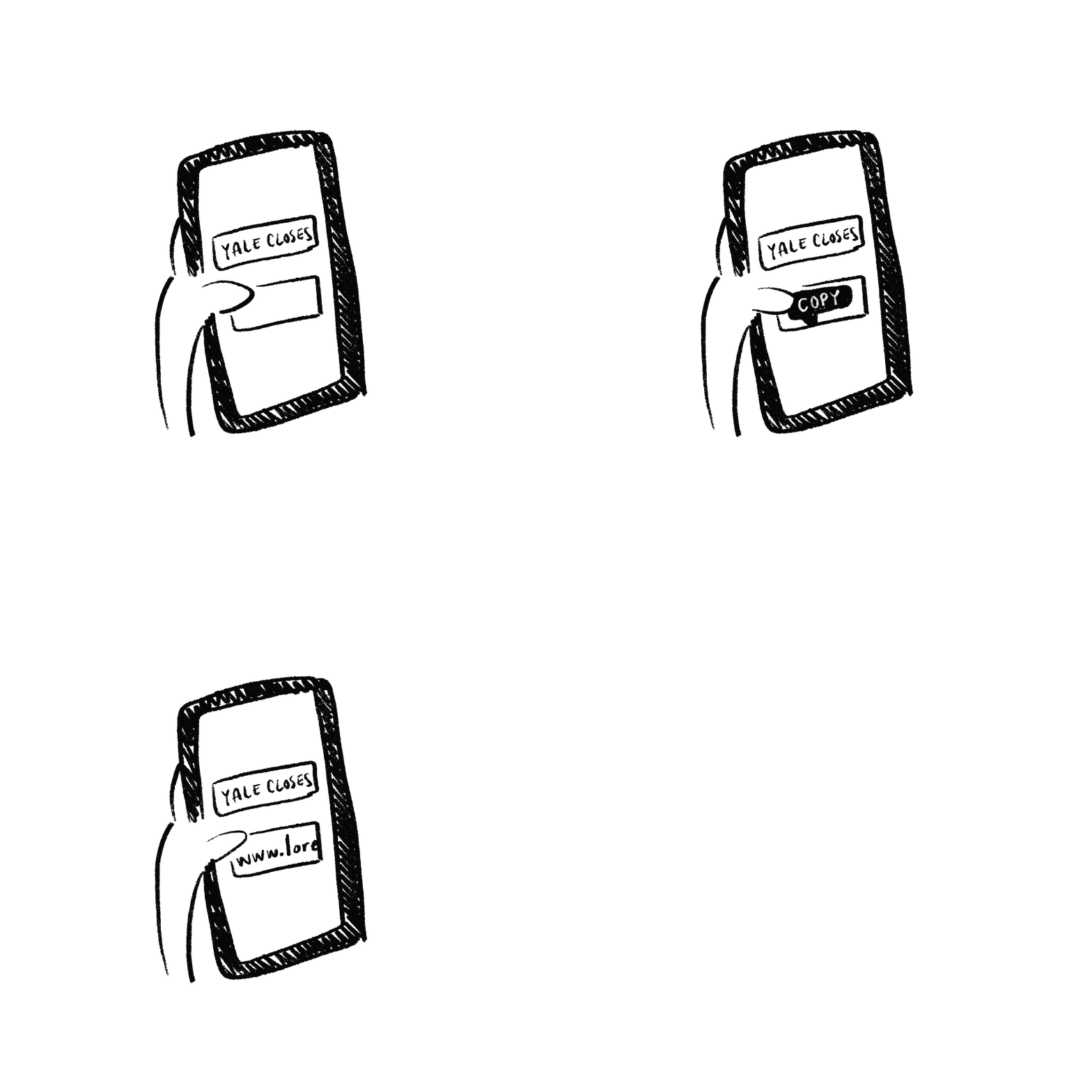
Enter a headline and image below to generate a link. When you text someone this link through iMessage, the preview will reflect your input content.

Step by Step Walkthrough
Come up with a prank idea (e.g. telling your friend that JoJo Siwa is coming to campus for a seminar.)
Enter the headline you want and the image url of an appropriate photo (e.g. "Yale is next on JoJo Siwa's Ivy tour" and a photo of JoJo at Brown)
Click generate, hit copy link, and text the link to a friend! The preview in iMessage will reflect your input content. When the link is opened, the screen will display a "You got pranked!" message.
Share this with the desired prank recipient and get excited for their reaction!